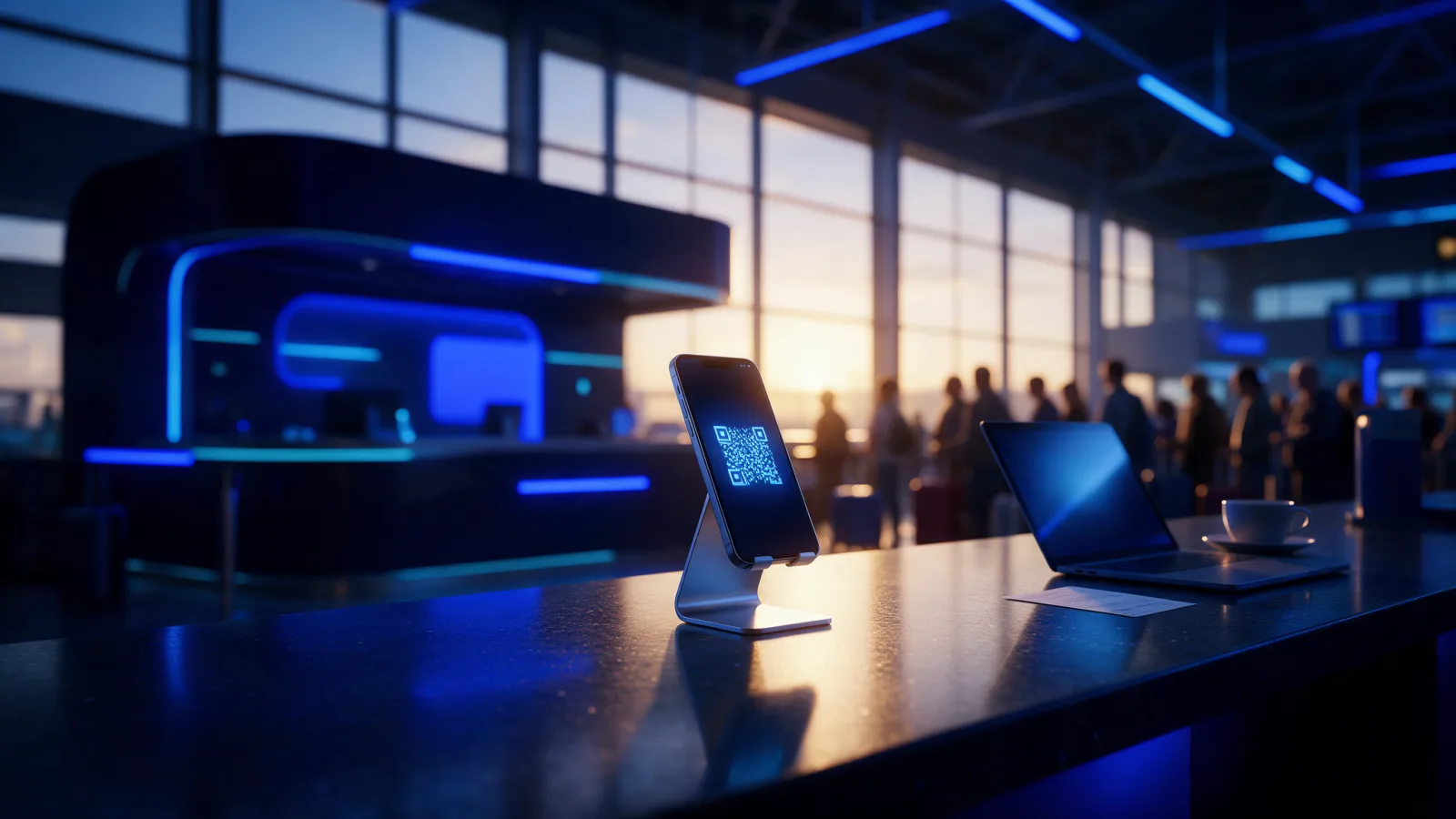
Selling an eSIM at a travel agency counter is a different job from selling one online. The traveller is standing in front of you, someone is waiting behind them, and the sale has to be finished before they walk out. This is what a counter flow looks like when it is designed around that minute.
The constraint is the queue
At the counter, the constraint is time at the desk, not conversion rate. The traveller has already bought what they came in for and someone is waiting behind them. A good counter sale takes under a minute including the conversation, because every extra step is another chance for the traveller to put it off.
A counter sale is not a web sale with a person attached. The traveller has already bought the thing they came for, they are half out of the door, and there is someone behind them. Every screen you add is a chance for them to say "I will sort it at the airport", which means they will not sort it at all.
That changes what good looks like. An online store can afford plan comparisons, long descriptions and a help page. A counter cannot. Everything the traveller would read online, the staff member has to be able to say in one sentence.
| Online store | Agency counter | |
|---|---|---|
| Who works the screen | The traveller | A member of staff |
| Time available | As long as they like | Under a minute |
| How payment is taken | Card, at checkout | Cash or the desk's card machine |
| Where questions are answered | Help pages and email | By the person at the desk |
| What the traveller leaves with | An email | An email and something printed in hand |
Three screens, no more
A counter sale needs three decisions: where the traveller is going, roughly how long they are staying, and where the eSIM should be sent. Each step should answer one question the staff member is already asking out loud. Anything beyond those three belongs on the website, not at the desk.
- Where are you going? Search first, browse second. Staff type faster than they scroll.
- How long, roughly? Three options beat eleven. The traveller does not know how many gigabytes a week of maps costs.
- Where should it go? An email address, typed once, read back once.
Keep the shelf short as well. A counter sells a few things quickly. Turn on the ones your travellers ask for and leave the rest to the website.
The email is the step that fails most quietly. A mistyped address looks fine on screen and sends the eSIM nowhere. Reading it back to the traveller, letter by letter if the name is unusual, costs five seconds and saves a call from abroad.
Selling on the traveller's behalf
The traveller should not have to touch anything. Staff complete the sale on their own screen, take payment the way the desk always does, and the eSIM goes to the traveller's email. Handing over a laptop or asking someone to create an account at a counter adds a minute and a new way for the sale to fail.
Print the activation instructions if the traveller is not comfortable with the email. It costs a sheet of paper and removes the most common support call you will otherwise receive three days later from another country.
The sale is not finished when the payment clears. It is finished when the traveller has something in their hand they understand.
Payment is the other half. A desk takes cash or uses its own card machine, and that money never passes through an online checkout. Record how each sale was paid, so the drawer has something to agree with at the end of the day.
The device question, answered early
Check that the phone supports eSIM and is not locked to a carrier before taking payment, not after. A phone that cannot accept the eSIM turns a sale into a refund and an apology at a counter with a queue. One question covers almost every case: is the phone from the last few years, and is it unlocked?
One line on the plan screen and one question from the staff member covers it: "is your phone from the last few years, and is it unlocked?" That catches almost everything. The storefront should state the requirement so the answer is on screen rather than in someone's memory.
If the traveller is not sure, the phone's own settings usually answer it: phones that support eSIM offer an option to add one in the mobile or cellular data settings. If the answer is no, say so plainly and do not sell. A traveller turned away with a clear reason is better served than one sold something that will never install.
What to train staff on
Train staff on three things, none of which is the software: what a data plan is worth compared with roaming, what to say when a phone is not compatible, and where to find an order afterwards, so a traveller calling from abroad gets an answer in seconds. The counter screens themselves take minutes to learn.
It helps to write the three answers down as sentences staff can actually say:
- "This gives you data from the moment you land, usually for less than roaming would cost for a few days."
- "Your phone cannot take an eSIM, so I would not sell you one. A local SIM at the airport is your best option."
- "If anything goes wrong, call us with your email address and we will find your order straight away."
The counter flow itself takes about two minutes to learn. That is the point of designing it around the queue.
How it works with eSIMLab
- Add your counters One counter per place a traveller can walk up to, with opening hours. Sales are reported per counter.
- Price the desk A counter carries its own margin, so a desk sale can charge for the assistant's time.
- Take the sale Staff pick the package, type the traveller's email and record cash or card machine. None of that money passes through eSIMLab.
- Hand it over The QR code and activation details appear the moment the sale goes through, and the screen prints on one sheet with your own note on it.
Counter staff are members of your workspace and sign in with the same dashboard login. A counter sale is an order like any other. It shows under Orders with the counter and the assistant's name on it, and the profile shows under Issued eSIMs.
Read more about running eSIM sales at a desk:
Frequently asked questions
Can a travel agency sell eSIMs at the counter?
Yes. Staff sell on the traveller's behalf from their own screen, take payment in cash or on the desk's card machine, and the eSIM goes to the traveller's email. On eSIMLab the counter is a sales channel of your own store, so counter sales appear on the same order screens as online ones.
How long does a counter eSIM sale take?
Aim for under a minute, including the conversation. That is realistic when the flow is three decisions, destination, length of stay and email address, and when the device question is asked before payment rather than after.
What if the traveller's phone does not support eSIM?
Do not sell. Ask whether the phone is recent and unlocked before taking money, and if it cannot take an eSIM, say so plainly. Selling anyway leads to a refund and a support call from abroad, which costs more than the lost sale.
Does the traveller need an account or an app?
No. Staff complete the sale and the traveller receives the QR code and activation details by email. At an eSIMLab counter they are also shown on screen and can be printed, so the traveller leaves with something in hand.