eSIM provider, payment and domain integrations.
Each integration on this page says what becomes available once it is connected and how the connection is made. We list only integrations that exist, and say plainly where one is not built yet.
- Your own provider account
- Your own Stripe account
- SSL issued automatically
Services connected today


At a glance
Which integrations does eSIMLab support?
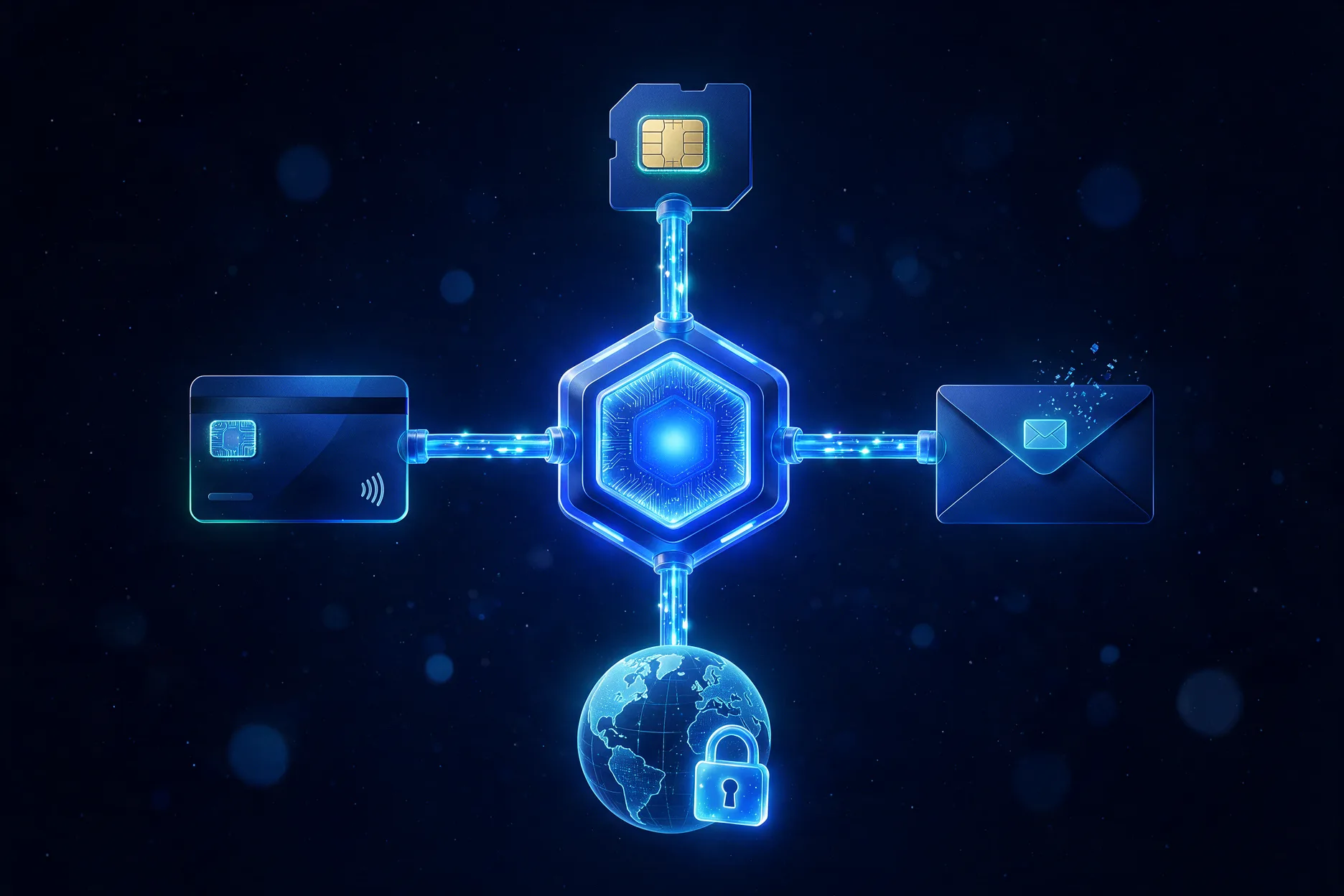
Today eSIMLab connects to three outside services: eSIM Access for the eSIMs you sell, Stripe for customer payments and Cloudflare for your domain's SSL certificate. Order emails are sent by eSIMLab under your shop's name. Keys for Resend and Twilio can be stored, but nothing uses them yet.
| Integration | What it does | How it is connected | Status |
|---|---|---|---|
| eSIM Access | Plan catalogue, issuing each eSIM after payment | API key and secret from your own eSIM Access account | Live |
| Stripe | Customer payments on your store, paid out to you | Secret key and webhook signing secret from your own Stripe account | Live |
| Your domain | Your store on your own address, with an SSL certificate | One DNS record at your domain provider | Live |
| Order emails | The QR code and activation details, under your shop name | Nothing to connect: sent by eSIMLab | Live |
| Customer sign-in | Email and password accounts on your store | Always on | Live |
| Resend | Order email through your own Resend account | API key, stored encrypted | Key stored, not used yet |
| Twilio | Sending a traveller their eSIM by SMS | Account SID and auth token, stored encrypted | Key stored, not used yet |
| API and webhooks | Orders and catalogue from your own systems | Not available | Not released |
eSIM provider
How does the eSIM Access integration work?
You paste the API key and secret from your own eSIM Access account into the workspace. eSIMLab imports that account's catalogue, with your negotiated cost on every plan, and buys each eSIM from it after a customer pays. You keep your own commercial relationship with the provider.
What becomes available
The plan catalogue, automatic issuing after payment, and the activation details your customer installs.
Which countries
Whatever your eSIM Access account sells. The catalogue comes from your account rather than from a list we keep.
Testing first
In sandbox mode orders are answered by eSIMLab's own test provider instead of eSIM Access, so no real eSIM is issued and no provider balance is spent. A switch turns the connection on or off.
eSIM Access is the only eSIM provider the product can connect to today. There is no second connector, no way to run two providers side by side and no automatic failover between them. If you hold an account with someone else, tell us who: the providers people ask for decide which one is built next.
Payments
How is Stripe connected?
You paste the secret key and the webhook signing secret from your own Stripe account. The key is checked with Stripe before it is kept, customers pay on Stripe's hosted checkout, and the money settles to your account. Stripe is the only payment integration; there is no second one.
Checked on the way in
A key Stripe will not accept is refused when you save it, with a message saying why, instead of failing later at a customer's checkout.
Paid orders confirmed by webhook
The webhook signing secret lets eSIMLab trust Stripe's confirmation, so an order is fulfilled even if the customer closes the tab on Stripe's page.
Card details stay with Stripe
Checkout is hosted by Stripe, so card numbers are never entered on, sent to or stored by eSIMLab.
Refunds in your Stripe dashboard
Refunds are made from your own Stripe account. They are not yet reflected back into the order list in eSIMLab.
Domain and SSL
Your store on your own domain
You add one DNS record that points your domain or subdomain at us. eSIMLab checks for it automatically, most often in the first few minutes and then more patiently, and once it is found the SSL certificate is issued through Cloudflare. You never handle a certificate yourself.
- The check tells you what it found, such as a missing record or one still pointing at your old site
- Domains with non-Latin characters work too
- Each customer-facing channel needs its own address, so a guest page usually lives on a subdomain
- The agency counter needs no domain: staff reach it through the dashboard login
Email and SMS
How the eSIM reaches the traveller
Delivery email works without any setup. The settings for your own email and SMS accounts are there for the day those paths are built, and the screen says so rather than showing a green badge.
Order email
Sent by eSIMLab with your shop name in the subject and your brand colour in the header. Replies go to the support address you set.
Resend
Your API key can be stored for the day order email goes out through your own Resend account. Until then, delivery goes through ours.
Twilio
Your Account SID and auth token can be stored, but nothing sends an SMS yet, whatever is stored there.
Which eSIM providers can I connect?
eSIM Access, through an API key from your own account. It is the only provider connector today. If you work with a different provider, tell us who it is and whether they expose an API, and we will say honestly whether and when it can be supported.
Do customer payments go through eSIMLab?
No. Customers pay on Stripe's hosted checkout and the money settles to your own Stripe account. eSIMLab never holds your money, takes no commission and bills you only the plan fee.
Is there an API or webhooks for my own systems?
Not yet. No API key can be generated in the workspace and no public endpoint answers. Orders, catalogue and customers are managed through the dashboard.
Can I send the eSIM by SMS?
Not yet. You can store Twilio credentials in the workspace, but nothing sends an SMS today. The eSIM is delivered on the order page and by email.
Do I need a Cloudflare account?
No. Cloudflare is used on our side to issue and serve the certificate for your domain. All you add is one DNS record at whichever company manages your domain.
Your eSIM brand, live on your own domain.
Create an account, connect a provider and Stripe, and start selling under your own name.