eSIM for travel agencies: sell connectivity with the trip.
Your travellers already ask how their phone will work abroad. With eSIMLab your agency sells travel eSIMs under its own brand, at the counter and on its own website, and adds margin to bookings you have already won without adding stock or operational work.
- No SIM cards, no stock
- Cash or card machine at the desk
- 0% commission

Where it fits
Why should a travel agency sell eSIMs?
Connectivity is one of the last things a traveller sorts out and one of the first that goes wrong. The agency that handles it earns a margin on a booking it has already won, keeps the traveller off a third party's app, and becomes the agency they call next time. The sale can happen at the counter, before departure or on your own site.
At the counter
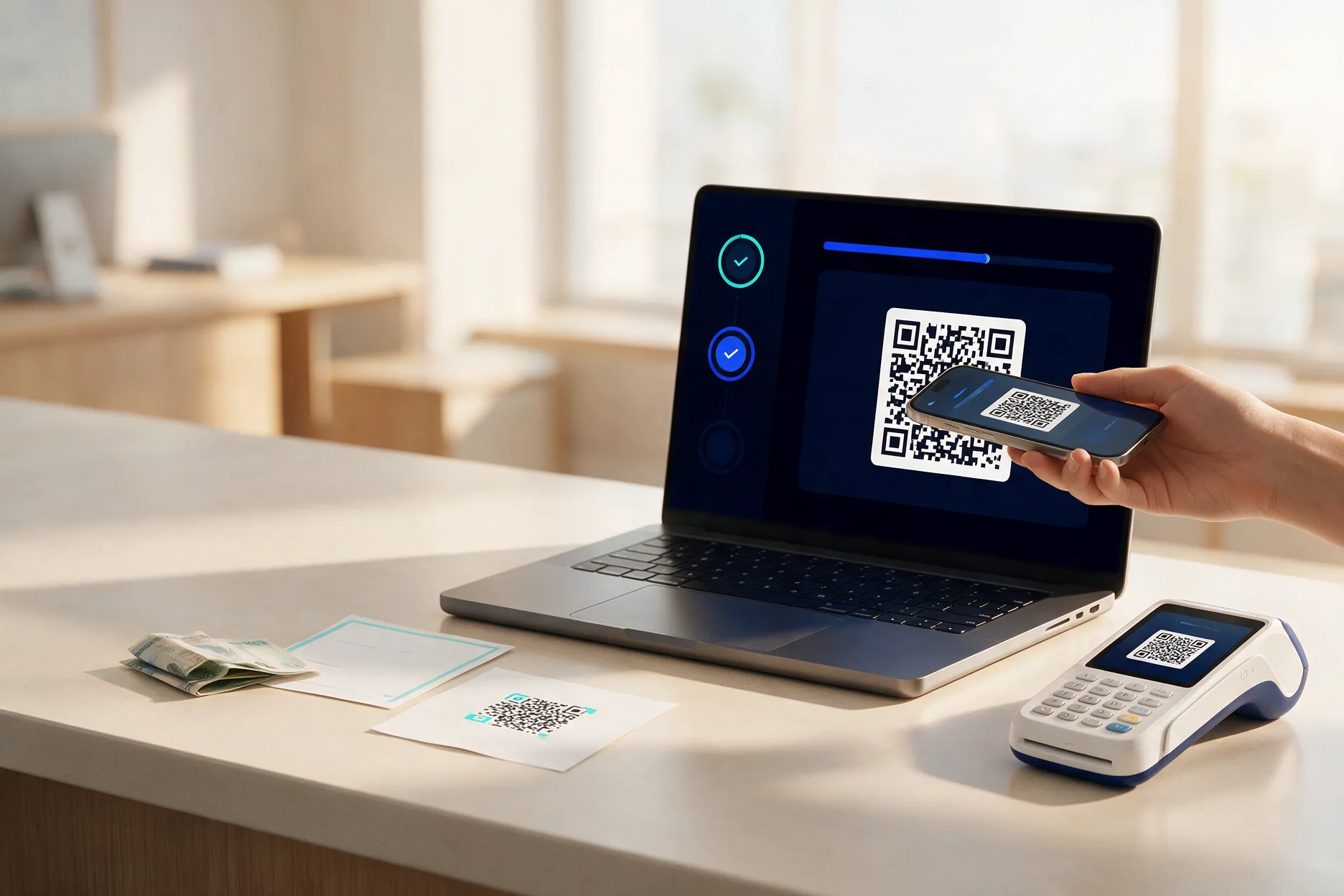
Staff sell from the till in your workspace while the traveller is at the desk, and hand over the QR code there and then.
Before departure
Link your branded store from the booking confirmation and the reminder email, so travellers buy before they fly.
On your own site
A complete eSIM storefront on your own domain, open whenever the traveller remembers, including after arrival.
What it adds
Revenue without a new operation
There is nothing to stock and nothing to post. eSIMs are issued by your connected provider the moment a sale is paid.
Additional revenue per traveller
You set the margin, and the counter can carry its own. What that adds up to depends on your volume and pricing; the dashboard shows it per period.
The relationship stays yours
Travellers buy from your brand, pay you, and are recorded in your customer list rather than a third party's.
No new operation
Delivery is automatic. There is no stock, no SIM cards and no packaging at the desk.
The agency counter
How does selling an eSIM at the agency counter work?
The counter is a till inside your eSIMLab workspace, built for someone standing at a desk with a customer waiting. The assistant picks the desk and the package, types the traveller's email, records how they paid, and the eSIM is issued on the spot.
Check the phone
The till reminds staff to ask whether the phone takes an eSIM before taking the money.
Pick the package
From the short list of packages you switched on for the counter, priced with the counter's own margin.
Take the money
In cash or on your own card machine. None of it passes through us; the order records which way it was taken.
Hand over the eSIM
The QR code and activation details appear on screen for the traveller to scan, with a slip you can print and your own note on it.
Running the desks
Built for branches, staff and opening hours
Head office sets up the counter once. Branch staff sell from it without being able to change what a traveller is charged.
| What you control | How it works |
|---|---|
| Desks | One counter per place a traveller can walk up to, each with a name, a city and opening hours. Sales are reported per counter. |
| Opening hours | The till refuses a sale outside a desk's hours, in your own time zone. A desk can be closed for the season and opened again. |
| Staff | Anyone who can sign in to the workspace can work the till. There is no second password to hand out. |
| Prices | The counter has its own margin on top of what each package costs you, because a desk sale carries somebody's time. |
| Currency | The till has its own currency, which is what the price is shown in and what the order is recorded in. |
| Reporting | The day's sales at the till, paid sales per desk, and the counter beside your online store on the dashboard overview. |
Three channels, one account
Store, counter and guest page
eSIMLab has three sales channels: an online store, an agency counter and a guest page. Each one is a channel on your plan, and they all share the same orders, customers and dashboard.
Online store
Your branded storefront on your own domain, paid through your own Stripe account.
Agency counter
The till for walk-in travellers, with cash and card-machine sales recorded rather than routed.
Guest page
A single page opened from a printed QR code, with one code per room of a property and scans and sales counted per code.
Every plan includes one online store, and an agency counter can sit beside it with as many desks as you need.
We have no published agency customer story yet, so there is none on this page. When an agency agrees to be named, their words and their numbers will go here, with their permission and nothing invented around them. Until then, the fastest way to judge eSIMLab is to send us the exact question your counter staff would ask.
FAQ
Questions agencies ask
Something else on your mind? Write to us on the contact form.
Do we need a contract with an eSIM provider?
Yes. You connect your own eSIM Access account, the provider connected today, using an API key from that account, so the commercial terms and the plan cost stay between you and them.
Can head office set prices for all branches?
Yes. The counter's catalogue and margin are set in the workspace by the Owner or an Admin, and every desk sells from them. Staff with the Sales role can sell at the till but cannot change prices.
What if a traveller's phone does not support eSIM?
The till reminds staff to ask before taking the money, and your storefront has a compatibility section travellers can check before they buy. Catching it before the sale is what prevents the refund.
Who handles support if a plan does not activate?
You own the customer relationship. A paid order whose eSIM has not been delivered is shown as such in your workspace, you can try issuing it again from the order, and a traveller who lost their email can have it sent again from your store.
Does the money from counter sales go through eSIMLab?
No. Cash and card-machine sales at the counter never pass through the platform. The order records how the traveller paid, so your drawer and your card machine have something to reconcile against.
Can we sell in more than one currency?
Yes. The till has its own currency, and your online store can offer more than one. A traveller is always charged exactly the price the screen showed.
Your eSIM brand, live on your own domain.
Create an account, connect a provider and Stripe, and start selling under your own name.